
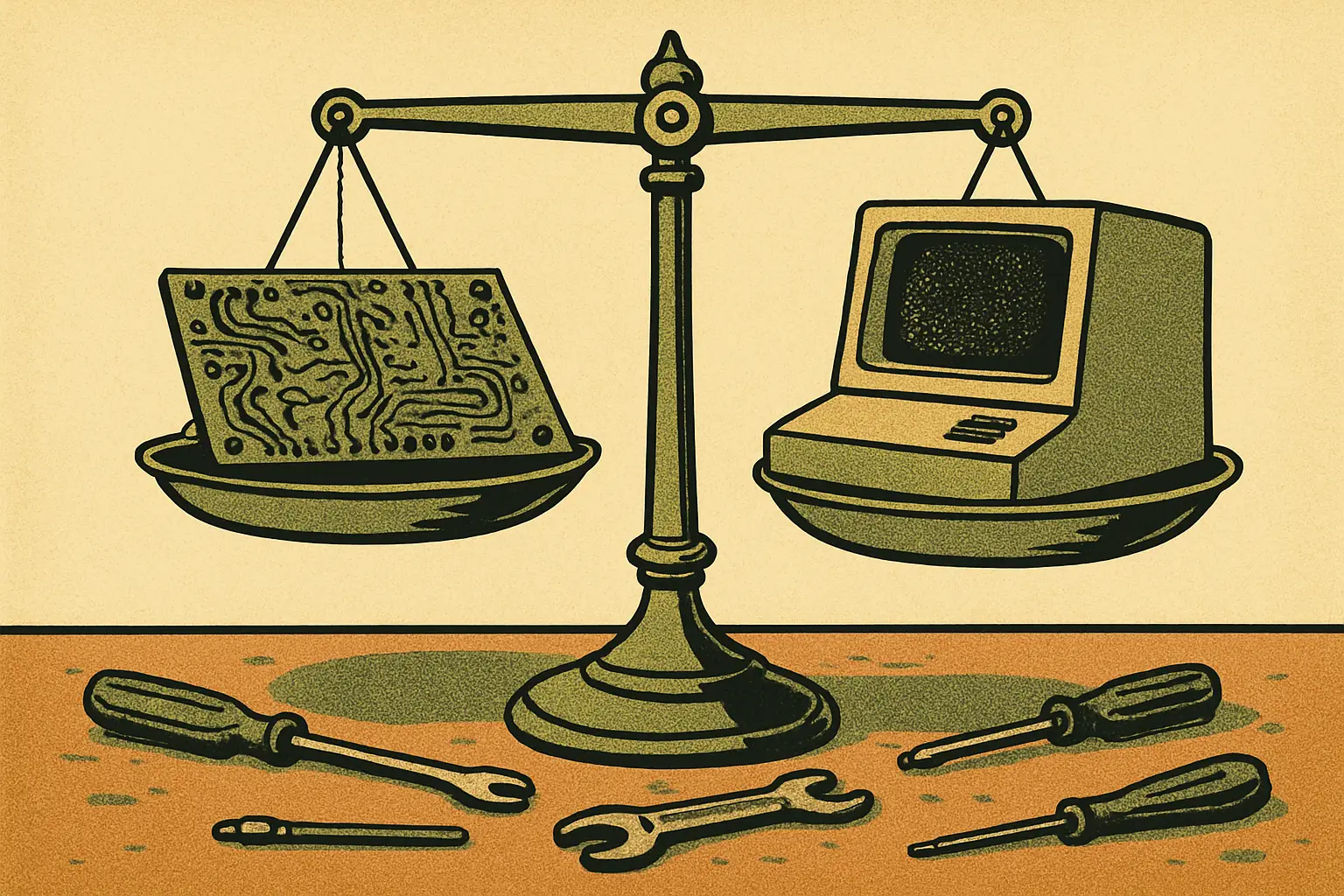
Raspberry Pi vs Mini PC: Picking a 2026 Home Server
Memory prices reshaped this choice in 2026. Here is how a Raspberry Pi 5 and a 6W mini PC compare on cost, power, and what they can actually run.

The Question Changed in 2026
For most of the last decade, the answer to "Raspberry Pi or mini PC for a home server" was easy. The Pi was dramatically cheaper, so unless you needed x86 software or serious compute, you bought the Pi. That reasoning no longer holds automatically, because the memory shortage driven by AI infrastructure buildout pushed single-board computer prices up sharply while x86 mini PCs held closer to their old positions.
- Raspberry Pi 5 pricing rose repeatedly through 2026. Raspberry Pi announced memory-driven increases in February 2026 of $10 on 2GB parts, $15 on 4GB, $30 on 8GB, and $60 on 16GB, across Pi 4, Pi 5, CM4, and CM5. The 1GB Pi 5 held at $45.
- Idle power still favours the Pi, but narrowly. A Pi 5 running a modest container stack sits around 3 to 5W. An Intel N150-class mini PC typically measures 6 to 8W at the wall.
- The power gap costs single-digit dollars per year. At US electricity rates, the difference between 4W and 7W continuous is roughly $3 to $8 annually.
- x86 unlocks capabilities the Pi cannot match, chiefly hardware virtualization and Quick Sync video transcoding.
That last point is what tips most decisions now that the price gap has narrowed.
Quick Picks
If you want the short version, here is where each option clearly wins:
- Buy a Raspberry Pi if your server is GPIO-attached — sensors, cameras, LoRa radios, HAT-based projects — or you need the smallest, quietest, most power-frugal box possible, or you are learning and want the enormous body of Pi-specific documentation behind you.
- Buy a mini PC if you want to run Proxmox or virtual machines, transcode video for a media server, run x86-only container images, or you simply want more headroom than an ARM SBC offers per dollar right now.
- Buy used if budget is the binding constraint. A used small-form-factor office PC frequently beats both on price-per-capability, at the cost of higher idle draw.
- Buy neither yet if you have an old laptop sitting in a drawer. It has a battery that doubles as a UPS, a built-in screen for recovery, and it costs nothing.
How Much Power Does a Home Server Really Use?
This is the number people overestimate most. A Raspberry Pi 5 idles around 3W and stays under 10W under full load. An N150-class mini PC idles around 6 to 8W at the wall and peaks in the low twenties. Running either one continuously for a year costs less than a takeaway meal in most of the United States.
Work it through: 4W continuous is roughly 35 kWh per year. At $0.30 per kWh — a high US rate — that is about $10.50. A 7W machine costs about $18. The $8 annual difference is real, but it will not repay a $150 price difference in any reasonable timeframe.
The practical conclusion is that power consumption should be a tiebreaker, not a primary criterion, unless you are running off-grid, off a battery, or in a region with genuinely punishing electricity prices. Choose on capability first.
What Can a Raspberry Pi 5 Handle?
More than its reputation suggests. A Pi 5 comfortably runs Home Assistant, Pi-hole or AdGuard, a Samba or NFS file share, Nextcloud for a small household, Docker with a dozen light containers, a Wireguard VPN endpoint, and Node-RED. For that workload profile the Pi is not merely adequate, it is the better-engineered choice — lower power, no fan noise if you pick a passive case, and a decade of community documentation for every problem you will hit.
Storage is the thing to get right. Running a server from a microSD card is the single most common cause of Pi reliability complaints, because those cards wear out under database write patterns. Our Raspberry Pi storage guide covers the microSD, eMMC, and NVMe options in detail; the short version is to boot from NVMe over the PCIe connector if your workload writes constantly.
Where the Pi struggles is video transcoding, virtual machines, and any container image published only for x86. That last one bites more often than people expect. ARM64 coverage in the container ecosystem is good and improving, but it is not universal, and discovering a gap after you have built your stack is a bad afternoon.
What Does a Mini PC Add?
Two capabilities that the Pi genuinely cannot provide.
The first is hardware virtualization. If you want to run Proxmox and carve one box into several isolated virtual machines, x86 is the mature path — and it got more interesting recently, since Proxmox VE 9.2 added official Arm64 support, narrowing but not closing the gap. On x86 the drivers, the guest images, and the documentation all simply work.
The second is Intel Quick Sync. If your home server includes Plex or Jellyfin serving to devices that need transcoding, Quick Sync handles multiple simultaneous 1080p streams while barely moving the power meter. Software transcoding on a Pi handles roughly one stream, badly. For a media server this single feature decides the question outright.
Beyond those, you get more RAM per dollar in most configurations, standard M.2 NVMe slots without adapters, and often 2.5GbE networking as standard. Some models go further — we looked at the Beelink EQi with 10GbE and the $380 BOSGAME E6 ECO as examples of what the current Intel budget tier delivers.
Which Is Cheaper Once You Add Everything Up?
Compare complete systems, not headline board prices. A Raspberry Pi 5 needs a case, an official power supply, and storage. Add an NVMe HAT and drive if you want reliable storage, and the total climbs well past the board price. A mini PC arrives with a case, a power adapter, RAM, and usually an SSD already installed.
Run the arithmetic for your specific configuration before deciding. In 2026 the honest answer for many builds is that the two land close enough that the price difference should not drive the decision — a shift we flagged when DRAM prices pushed Pi and mini PC pricing toward parity earlier this year.
Where the Pi retains a clear cost advantage is at the low end. The 1GB Pi 5 at $45 and the older Pi Zero 2 W have no mini PC equivalent. For a single-purpose appliance — a DNS filter, a sensor logger, a print server — nothing x86 competes.
What About Clusters and Expansion?
If you are drawn to the idea of several small machines rather than one larger one, the Pi has a real advantage in ecosystem. Rack mounts, PoE HATs, and cluster cases are all off-the-shelf products, and we have covered builds from KKSB rack panels for Pi clusters to a Kubernetes homelab hidden inside retro Linksys cases.
Be honest about why you want a cluster, though. If the goal is learning Kubernetes, distributed storage, or failover behaviour, a physical cluster teaches things a single machine cannot. If the goal is raw throughput, one mini PC running several virtual machines will outperform four Pis and cost less to run.
The Pi also keeps the GPIO header, which no mini PC offers. Any project that reads sensors, drives motors, or attaches a radio module needs those pins, and that requirement alone settles the question.
Which Should You Buy for Local AI?
Neither, if the model is large. Running a useful local language model needs memory bandwidth and capacity that sits above both categories. Our buyer's guide to mini PCs for local LLMs covers the machines that do handle it, and they are a tier up in both price and power draw.
Small models are a different matter. Edge-class models in the 1B to 3B range run acceptably on a Pi 5 with 8GB or more, and dedicated NPU accelerators keep improving — see our edge AI dev board guide for the accelerator options. If AI inference is a nice-to-have on your home server rather than its purpose, either platform will do something useful.
A Decision Framework
Work through these in order and stop at the first clear answer:
- Do you need GPIO pins? Buy a Pi. Nothing else in this comparison has them.
- Do you need video transcoding? Buy a mini PC with Quick Sync. This is not close.
- Do you want virtual machines? Buy a mini PC. Arm64 virtualization is improving but x86 remains the smoother road.
- Is your workload a handful of light containers? Either works. Pick on noise, size, and what you already own.
- Are you optimizing purely for cost? Price the complete system including case, power supply, and storage, then check the used market before you buy anything new.
The good news is that both categories are healthier than they have been in years. The Pi ecosystem keeps expanding, budget x86 keeps getting more efficient, and a capable always-on home server costs less to run than most people's coffee habit. Whichever way you go, more hardware comparisons live in our mini computers section.
Sources: Raspberry Pi — February 2, 2026; Tom's Hardware — 2026; raspberry.tips power consumption testing — 2026.
More Mini Computers Stories

MaTouch ESP32-S3 E Ink Board: A $60 Voice-Ready Dashboard
Makerfabs' MaTouch ESP32-S3 pairs a 7.5-inch four-color E Ink screen with a four-mic array for $59.80. Here are the specs and what you can build.

ASRock NUC 300 Mini PCs: Wildcat Lake With Dual 2.5GbE
ASRock Industrial's NUC 300 series brings Intel Core 5 320 and Core 3 304 to mini PCs and boards with up to 64GB of DDR5-6400 memory and dual 2.5GbE.

DGX Spark 64GB: Who NVIDIA's $4,999 Local AI Box Is For
NVIDIA's DGX Spark 64GB starts at $4,999 on Oct 23 and runs models up to 100B parameters. Here is who the local AI box suits and how clustering works.