
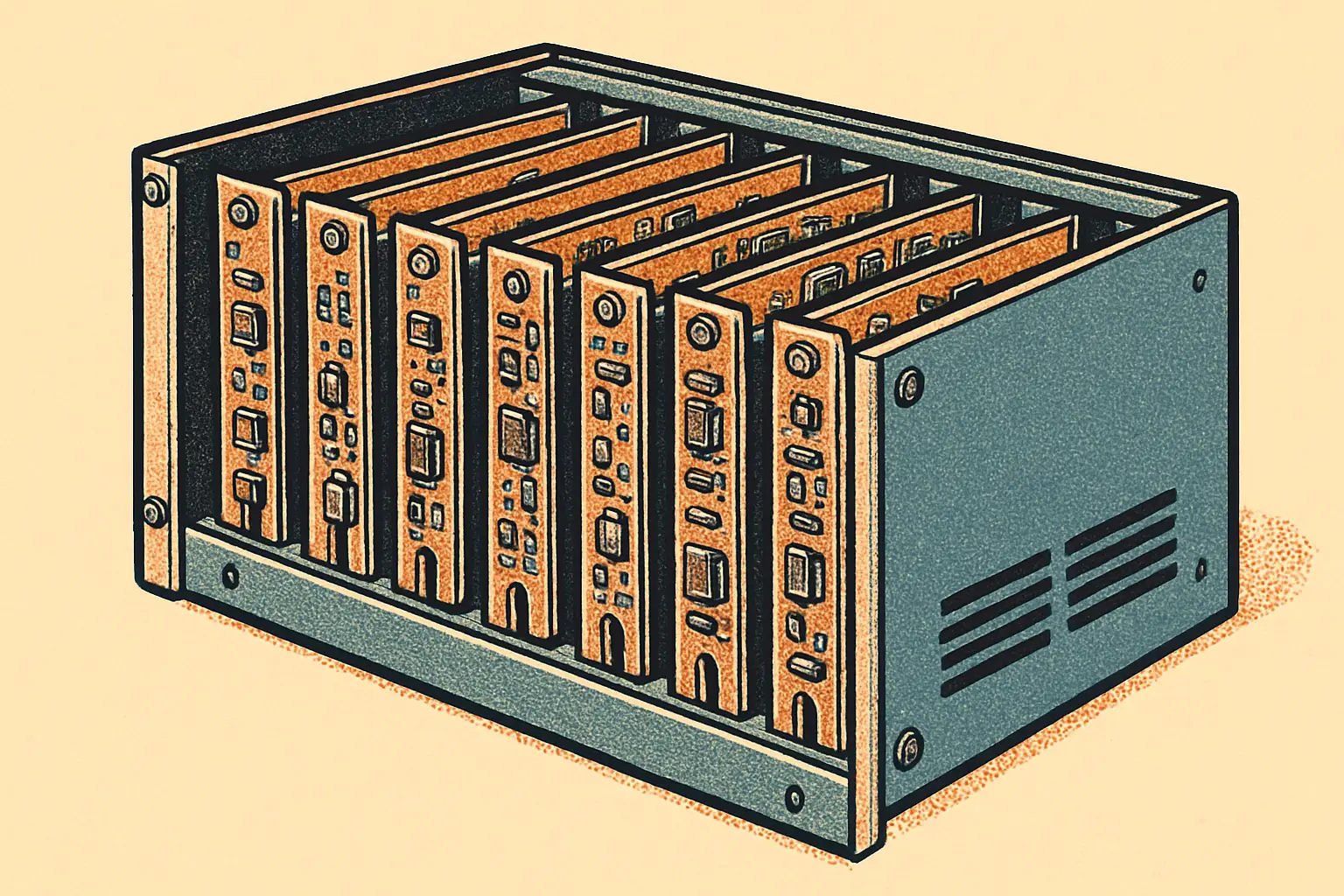
Waveshare PiRack-M6F Racks Six Raspberry Pis in 2U
Waveshare's PiRack-M6F holds six Raspberry Pi 4 or 5 boards in a 10-inch 2U rack and moves every port to the front, starting at $69.99 direct.

The 10-inch mini rack has quietly become the standard homelab form factor, and the accessories are finally catching up. Waveshare introduced the PiRack-M6F on August 18, 2026 — a 2U cluster chassis that holds six Raspberry Pi 4 or Pi 5 boards and, crucially, relocates every port to the front panel so you never have to reach behind the rack again.
- Holds up to six Raspberry Pi 4 or Pi 5 Model B boards in a 10-inch 2U rack
- Adapter boards bring mini HDMI, USB-C, debug UART, and a power button to the front of each node
- Aluminum alloy chassis measuring 254 x 88 x 85 mm, with 5W silicone thermal tape per node
- Priced at $69.99 from Waveshare directly, $84.59 on AliExpress, and $96.99 on Amazon
Why Front-Facing Ports Matter in a Mini Rack
Most Raspberry Pi rack mounts are brackets. They hold boards at the right spacing and stop there, which means the ports stay wherever the board put them — usually facing the back of a cabinet you cannot reach. Anyone who has cabled a six-node Pi cluster knows the result: a mat of cables entering from two directions and a reflexive dread about touching any of them.
The PiRack-M6F takes a different approach by including Pi 5 Connector Adapter boards that route each node's connections forward. Per node you get mini HDMI converted to full-size HDMI, USB-C for data and power, a debug UART, and a physical power button. The last two are Pi 5 only, since they depend on connectors the Pi 4 does not have.
What Does the PiRack-M6F Cost?
Waveshare lists it at $69.99 on its own store, with $84.59 on AliExpress and $96.99 on Amazon — the usual spread where buying direct is cheapest and Amazon buys you faster shipping. That is for the chassis and adapter boards; the boards, storage, and power supply are yours to provide.
Power is centralized through a 5V screw terminal at the rear, which is the sensible design for a cluster — one supply rather than six wall warts. Sizing that supply is the part worth thinking through before ordering, since six Pi 5 boards under load is a genuinely non-trivial current draw. Our Raspberry Pi power guide walks through the math on PSU headroom and UPS options.
Cooling and Expansion
Cooling is handled with 5W silicone thermal tape per node conducting heat into the aluminum chassis, which acts as the heatsink. That is a passive, silent approach and it works well for the mixed, bursty workloads most homelab clusters actually run. Sustained all-core compute across six Pi 5 boards will want airflow through the rack regardless of what the chassis does on its own.
There is no networking built in — no integrated switch, no backplane — so each node needs its own Ethernet run or Wi-Fi. The chassis does accommodate HAT and add-on boards, which means PoE HATs are an option and can collapse power and networking into a single cable per node. For a cluster, that is often the tidiest configuration available, and it is worth pricing against the screw-terminal approach before committing.
Who Is This For?
If you are running Kubernetes practice clusters, distributed build agents, or a set of always-on services you would rather keep on separate hardware, six nodes in 2U at this price is a reasonable deal. If you have one Pi doing one job, a shelf remains undefeated.
For more on what to run on those nodes, see our recent look at Google Chrome arriving for Arm Linux on the Pi 5, and browse the rest of our mini computer coverage.
Sources: CNX Software — August 18, 2026; Waveshare — August 2026.
More Mini Computers Stories

MaTouch ESP32-S3 E Ink Board: A $60 Voice-Ready Dashboard
Makerfabs' MaTouch ESP32-S3 pairs a 7.5-inch four-color E Ink screen with a four-mic array for $59.80. Here are the specs and what you can build.

ASRock NUC 300 Mini PCs: Wildcat Lake With Dual 2.5GbE
ASRock Industrial's NUC 300 series brings Intel Core 5 320 and Core 3 304 to mini PCs and boards with up to 64GB of DDR5-6400 memory and dual 2.5GbE.

DGX Spark 64GB: Who NVIDIA's $4,999 Local AI Box Is For
NVIDIA's DGX Spark 64GB starts at $4,999 on Oct 23 and runs models up to 100B parameters. Here is who the local AI box suits and how clustering works.