
AI Model Routing Guide: When to Use Open or Frontier Models
Gartner says AI model routing can cut agent task costs 5 to 6 times using open models. Here's how to set up tiers, fallbacks and tests, step by step.

Most AI agents do not need a frontier model for every step. AI model routing is the practice of sending each request to the cheapest model that can handle it reliably, reserving expensive reasoning for the moments that need it. It has moved from a niche optimization to a mainstream recommendation. This guide explains what routing is, how to decide which steps go where, and how to set it up with common open-source and hosted tools.
Quick Picks
- Best for teams wanting self-hosted control: LiteLLM, an open-source gateway with tiers, fallbacks and load balancing.
- Best for trying routing in minutes: OpenRouter's Auto Router, a hosted service you call with one model name.
- Best for running open models on your own machine: Ollama, which exposes an OpenAI-compatible endpoint a router can call.
- Best starting point for most teams: a simple rule-based split between one open model and one frontier model, before adding any classifier.
Key facts to anchor your planning:
- Gartner's forecast: by 2030, 90% of enterprise operational agent workflow steps will run on open-weight models, as reported by The Register.
- Best-case price gap: against a frontier model on every step, Gartner says an open model can cost as little as a twentieth as much.
- Realistic savings: Gartner's analysts put the saving per task closer to five or six times, because open models can be more verbose and retry more often.
- Beta caveat: LiteLLM's auto routing has shipped since v1.94.0 but is still labeled beta, so its config keys can change.
What Is AI Model Routing?
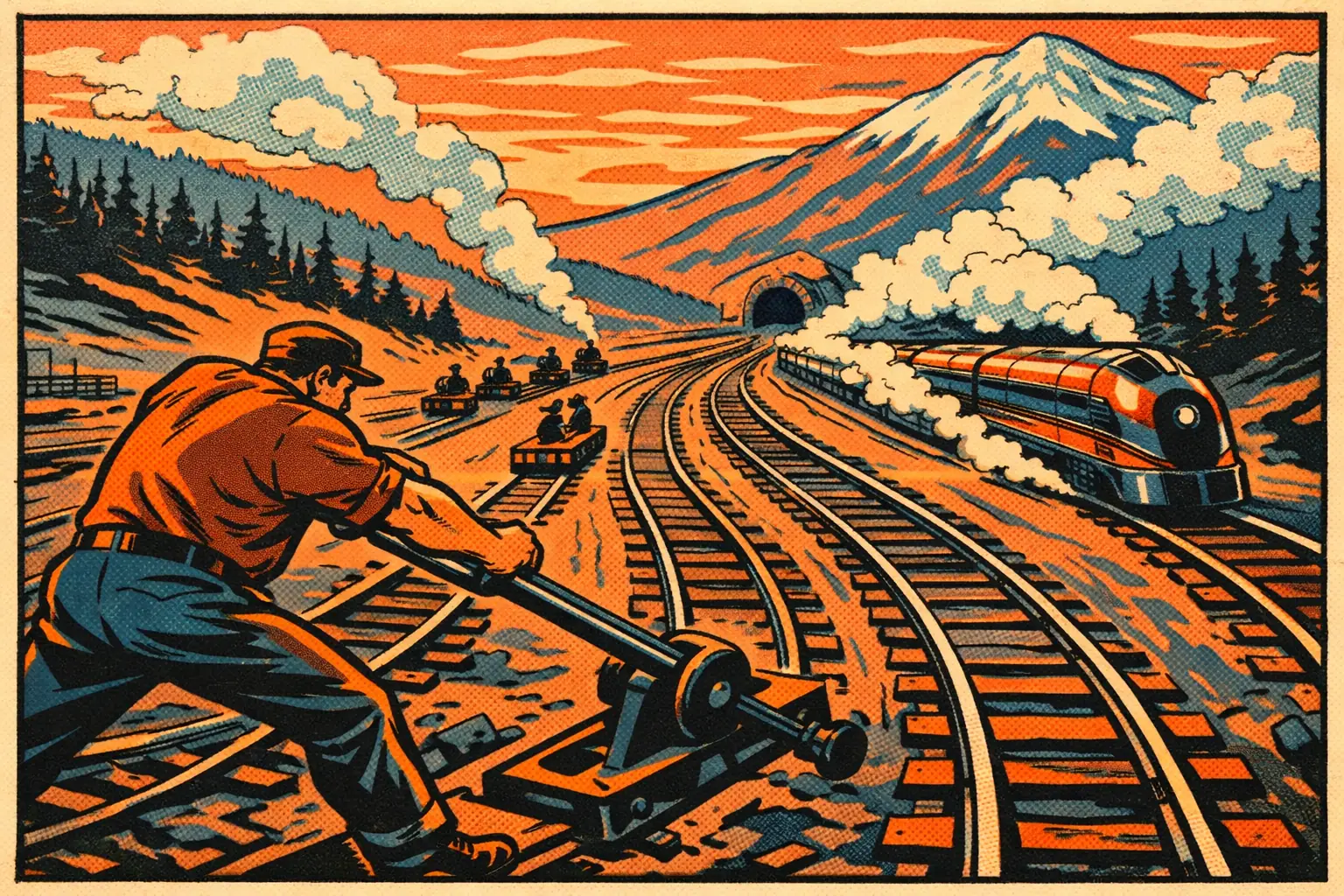
A router sits between your application and your models. Each request arrives at one endpoint, the router decides which model should serve it, and your application receives a normal response. Your code calls a single model name, and the choice happens behind it.
This matters because agent workflows are lopsided. In a paper described by The Register, Gartner analysts Mark Petty and Raymond Paquet argue that typical operational workflows involve hundreds of routine executions, such as classifying, tool calling, parsing, validating and reconciling data, for every step that needs frontier reasoning. They also argue that the tools managing agents, often called harnesses, are becoming the valuable layer, partly because they make this routing invisible to users.
Treat those figures as one analyst firm's forecast rather than measured fact. The underlying logic, though, is easy to test against your own workload, which is what the rest of this guide helps you do.
Which Agent Steps Should Go to Open Models?
There is no universal list, so the groupings below are my own judgment rather than a standard. Use them as a first draft and let your test results overrule them.
Good candidates for a smaller open-weight model:
- Classification and triage: labeling tickets, sorting intent, deciding which tool applies.
- Structured extraction: pulling fields from documents into a fixed schema.
- Validation and reconciliation: checking that output matches a format or two records agree.
- High-repeat steps: anything stable that runs thousands of times, where Gartner expects domain-specific open models to do especially well.
Better kept on a frontier model, at least at first:
- Ambiguous planning: deciding how to approach a task with no clear template.
- Long, multi-file reasoning: work where a mistake is costly and slow to detect.
- High-stakes judgment: anything customer-facing or hard to reverse, ideally with human review as well.
- Recovery from failure: a good fallback when a cheaper model has already tried and failed.
How Do You Set Up Model Routing Step by Step?
The steps below work with any router. Do them in order, because skipping measurement is how teams end up with a cheap system that quietly gets worse.
Step 1: Log What Your Agent Actually Does
Export a week or two of real requests and tag each one by step type. Note the tokens used, the cost and whether the result was accepted. If a few step types dominate your bill, those are where to begin.
Step 2: Build a Small Test Set
Collect 50 to 100 real examples per step type, along with what a correct result looks like. This becomes your regression test. Without it, you are comparing models on impressions, and the first model switch you make will be a guess.
Step 3: Choose a Router
Your main options trade control against convenience:
- LiteLLM (self-hosted gateway): auto routing can classify requests with sub-millisecond heuristics or keyword rules, a small LLM classifier or your own plugin. Each tier maps to one model or to a pool of models. You run it yourself and keep your traffic inside your environment.
- OpenRouter Auto Router (hosted): set your model to
openrouter/auto. A lightweight classifier assigns one of about 30 task types, then the service ranks models by what its community spends on for that task over a trailing seven days, within a cost tier you select. You get very little setup, but less direct control over the ranking logic. - Your own rules (application code): route by step type in your code. For a workflow with clearly labeled steps, this is often all you need, and it is the easiest option to debug.
If you want your open model on your own hardware, Ollama, vLLM and llama.cpp are the usual servers. Ollama supports a subset of the OpenAI API at http://localhost:11434/v1/, so most routers and clients can treat it like any other provider. Picking the right build also matters, and our quantization guide covers the formats.
Step 4: Define Tiers and Fallbacks
Start with two tiers and add more only if the data justifies it. LiteLLM's example configuration, for instance, uses four named tiers: SIMPLE, MEDIUM, COMPLEX and REASONING. Fewer tiers are simpler to reason about while you are learning.
Then add fallbacks, which decide what happens when a model fails. Both gateways support them, but check what triggers one. OpenRouter's docs say that by default any error can trigger a fallback, including context length errors, moderation flags, rate limits and downtime. Requests are billed at the rate of the model that ultimately served them, so a fallback from a free or cheap model to a costly one changes your bill. Set budget alerts accordingly.
Step 5: Measure Cost Per Completed Task
This is the step that most affects your real savings. Comparing prices per million tokens will mislead you, because Gartner's own caveat is that open models can be wordier and retry more often. That is the gap between its best case of 20 times and its realistic case of five or six.
Track four numbers for each step type: cost per completed task, success rate against your test set, retries per task and end-to-end latency. Promote a step to a cheaper tier only when its success rate holds.
Step 6: Roll Out Gradually
Send a small share of live traffic to the new route and compare it with the old one. Expand if the numbers hold, and keep your test set running on a schedule, since model updates and router rankings can both shift behavior over time.
What Are the Risks of Routing to Open Models?
Cost is only part of the decision, and Gartner's analysts actually rank control higher. They point out that each routine step sent to a frontier API moves some of your workflow history outside your perimeter, and they describe the saving as a bonus. Running open models yourself keeps that data inside your environment, but it also makes you responsible for what a vendor would otherwise handle.
Three practical points deserve attention:
- Supply chain and safety: vet your model sources and test behavior before deployment. Our guide to open-weight model risk is a good checklist.
- Inconsistent behavior: different models format output differently. Enforce schemas at the router or application layer rather than trusting each model.
- Operational load: hosting means handling capacity, updates and monitoring. For low volumes, a hosted open model may be cheaper overall than your own GPU.
Does Model Routing Make Sense for Small Teams?
Often, yes, though the savings scale with volume. If your agent runs a few hundred requests a month, the engineering time may outweigh the benefit, and a single well-chosen model is perfectly reasonable. Routing becomes attractive once one or two repetitive step types account for a large share of your bill.
A low-effort experiment is to move only your single most repetitive step to a smaller model, test it for a week and review the results. If it holds up, you have saved money and built the measurement habit that makes the next step safer.
Will Frontier Models Still Matter?
Yes. Gartner's paper does not suggest they disappear. It frames frontier models as the engine of research and development, with open-weight models taking over much of the routine operational work afterward. In practice, a well-routed system uses both, and the gap between open and frontier models continues to be a moving target worth rechecking whenever a major release lands.
Sources: The Register on Gartner's open-weight forecast — November 3, 2026; LiteLLM Auto Routing docs — accessed November 3, 2026; OpenRouter Auto Router docs — accessed November 3, 2026; OpenRouter Model Fallbacks docs — accessed November 3, 2026; Ollama OpenAI compatibility docs — accessed November 3, 2026.
More AI Stories

Weight-Space Programming: AI That Edits Another AI Directly
Weight-Space Programming let GPT-6 Astra lift a small model's math score from 7.9% to 48.1% by editing 0.016% of its weights, with no training at all.

OpenAI LifeVal Explained: Testing AI on Everyday Tasks
OpenAI's LifeVal scores AI models on everyday jobs like booking classes and meal planning, built from a survey of 3,995 people. Here's what it measures.

DeepSeek dsh-superagent: A Coding Agent for Team Chats
DeepSeek's dsh-superagent is an MIT-licensed research prototype that takes coding work from GitHub and Feishu. Here's how its permission model works.